Success Story: ESYPRO MANUTENCION, S.L.U.
Client: Esypro Manutención, S.L.U.
Challenge: Find a working methodology that helps minimise design errors and improve the workflow process.
Services: Product development consulting and outsourcing support services during peak workload periods.
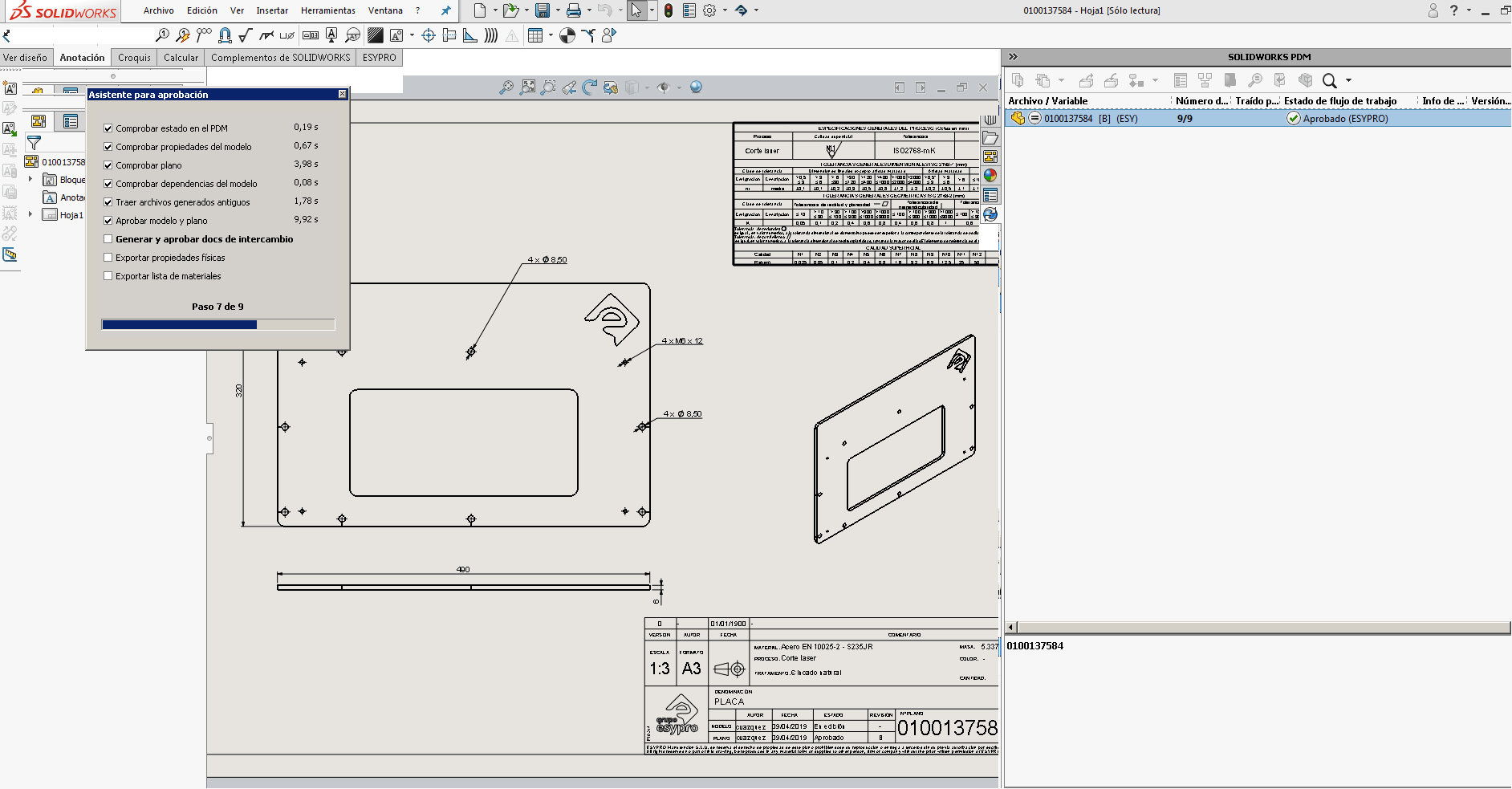
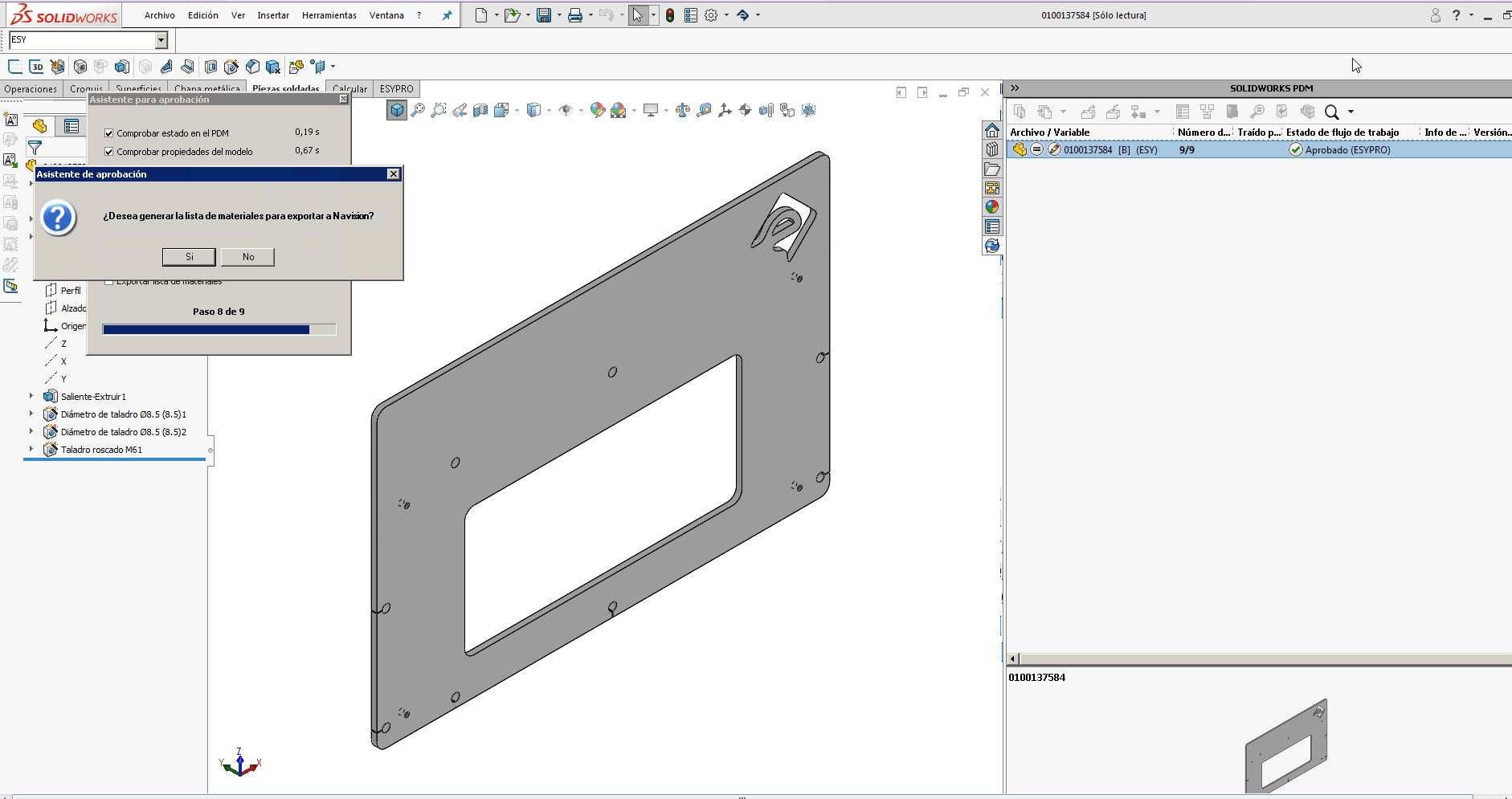
We helped Esypro Manutención implement a working methodology aimed at reducing the design errors they were experiencing. To achieve this, we introduced a method called “Approval”, which can be summarised as follows:
Once the designer completes their work in SOLIDWORKS, a digital process is applied to verify that everything is correct. This process is carried out using a custom add-in developed to integrate SOLIDWORKS, the PDM document management system, and the ERP system. For the user, it appears as a toolbar within SOLIDWORKS that helps them approve their 3D models and corresponding drawings, automating repetitive tasks and ensuring that approved designs meet the required minimum standards.
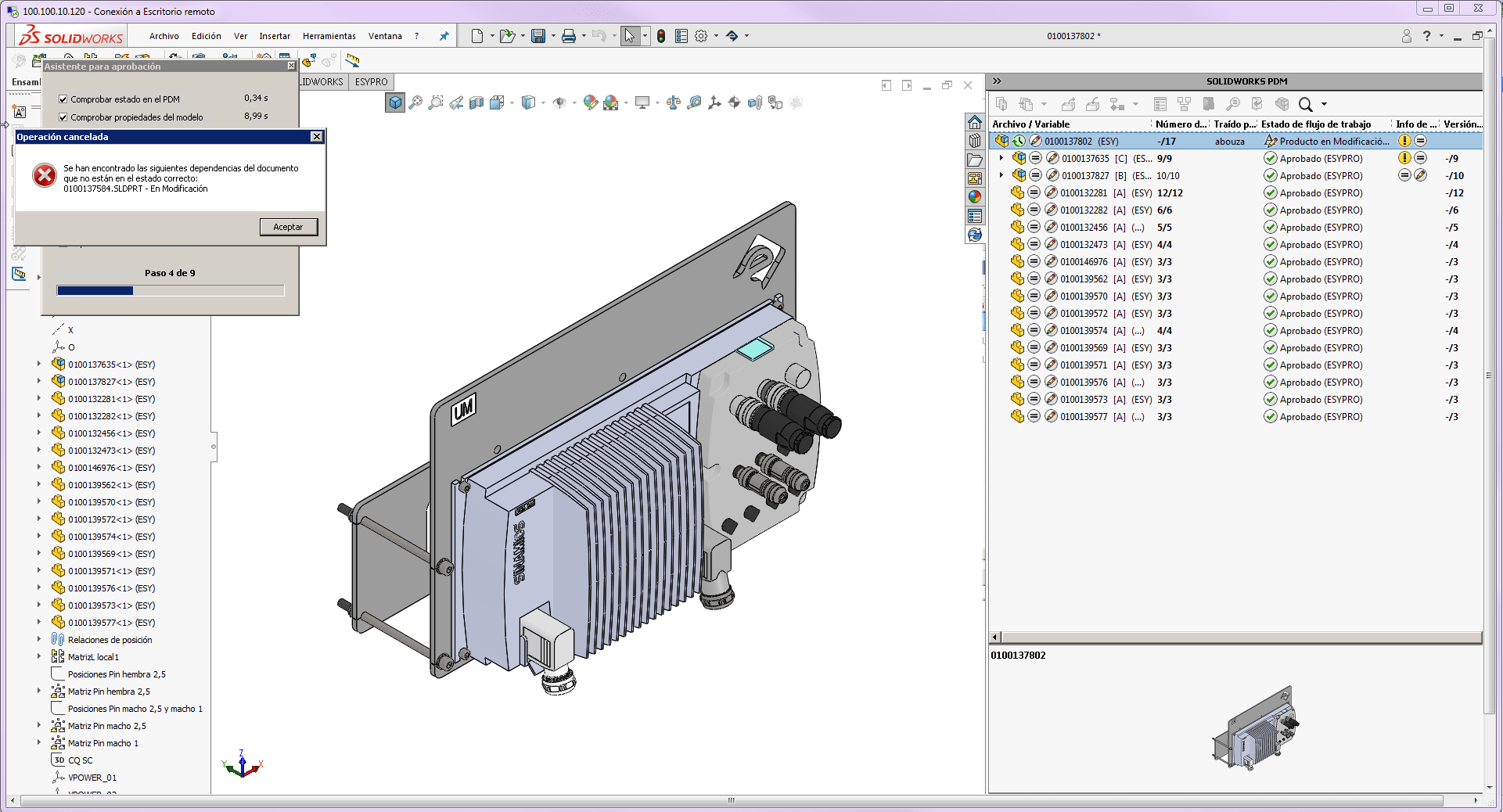
The approval assistant performs a series of checks, including:
- Confirming that all components in the model have been previously approved and that there are no broken or out-of-context references.
- Checking that all mandatory document properties are correctly filled in.
- Reviewing the model drawing to ensure it includes a bill of materials, that views are at the correct scale, and that each component listed in the BOM is properly identified with its corresponding balloon.
At the end of this process, if everything is correct, the assistant generates a bill of materials in Excel format for ERP export and produces the documentation required for supplier information exchange. It also generates PDF and DWG files from the drawing, as well as a STEP file of the 3D model.
This process is carried out by the Easyworks technical team from our offices, while working directly on the client’s server.